Open topic with navigation
Assigning a Supervisor to an Employee
To assign a supervisor to an employee, carry out the following steps:
- Select Edit –Employees.
- Select the employee to whom you wish to assign a supervisor.
- Open the Analysis Groups tab.
- Click Edit.
- In the Supervisor drop-down list, select the employee's supervisor.
- Click Submit.
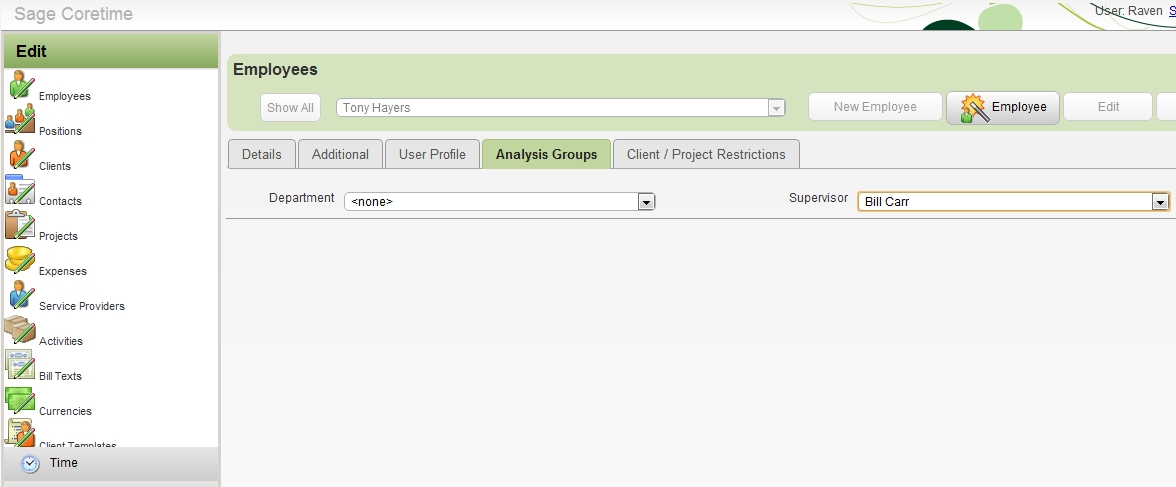
You have assigned a supervisor to the employee.
Assign each employee with a supervisor as necessary.
Go to top