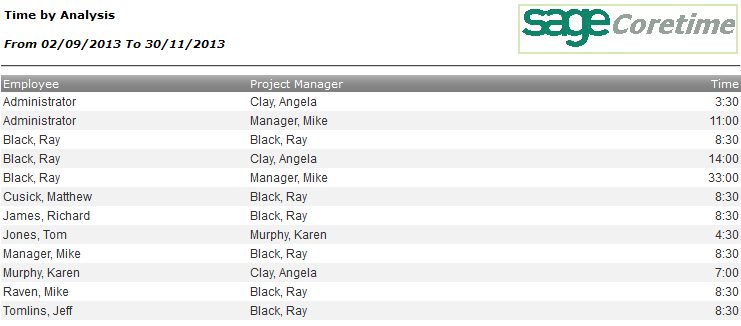
This report shows total hours of work done by each employee on projects in the selected project analysis groups.
The Time by Analysis report opens.
| Option | Description |
|---|---|
| From/To Date | The span of time the report should cover. |
| Analysis Grouping | Select the analysis grouping you want to use to organise the report. |
| Employee | Select the employees the report should cover. By default, all employees will be included. |
| Column | Description |
|---|---|
| Employee | This column lists the employees you selected in the Report Options window. By default, all employees are included. |
| Project Analysis Group | Members of the project analysis group you selected in the Report Options window. |
| Time | Total hours worked by the relevant employee in projects that belong to the relevant project analysis group. |